
Phone Tracking, Mic/Camera Monitoring, and How Faraday Bags Protect You
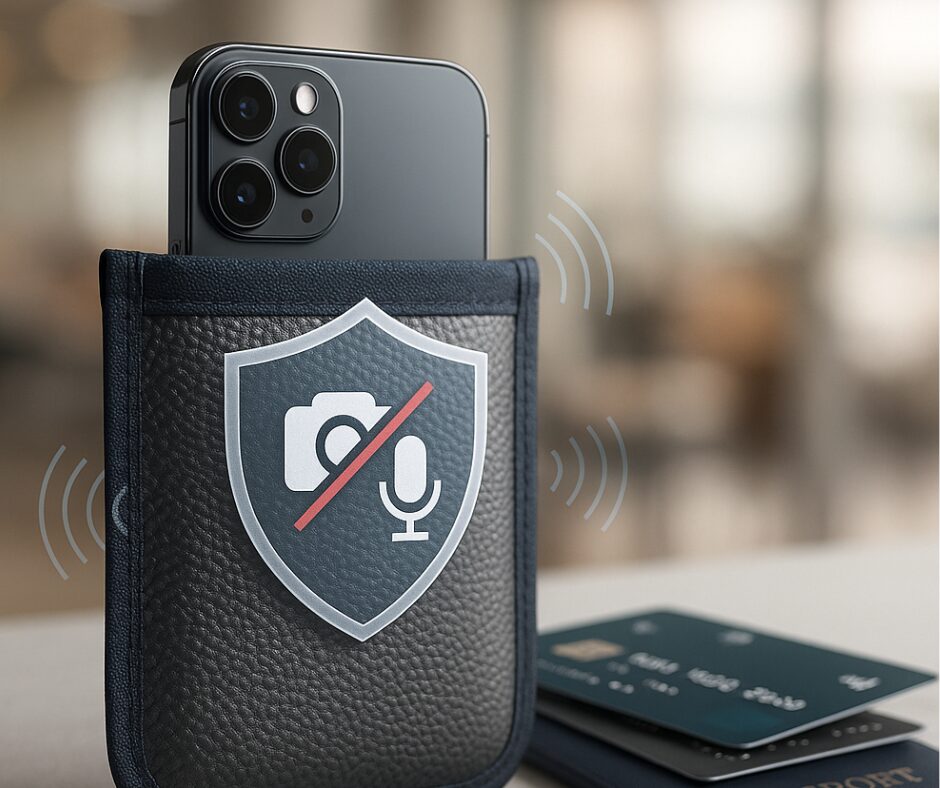
Introduction – guest post
Our Blockit Pockit Faraday bags are great at reducing EMF radiation exposure but in this modern high-tech world where your data is a highly valued commodity, they offer much more. Combined with a bit of cell phone house-keeping you can keep your data out of the hands of thieves – including the corporate ones!
Post
RFID skimmers and card theft are only one part of today’s threat landscape. Smartphones and apps can reveal where you go, what you say, and what you see. Use layered defenses—especially Faraday bags—to protect your privacy and stop network-based tracking.
How phones get tracked and what mic/camera permissions can expose
Modern smartphones constantly emit signals and metadata. GPS, cellular towers, Wi‑Fi SSIDs, and Bluetooth beacons all help map your movements. Advertising SDKs, analytics, and fingerprinting techniques stitch together device identifiers, sensor outputs (accelerometer, gyroscope), and usage patterns to follow you across apps. Microphone and camera permissions provide powerful features, but when granted broadly or abused by poorly vetted apps and embedded SDKs, they can capture audio, images, and other private data.
That data can be used legitimately by corporations for personalization and analytics—but it can also be collected by data brokers or exposed through insecure apps. Criminals can exploit the same signals for targeted scams. Combining those risks with physical attacks like RFID skimming increases the likelihood of identity theft and fraud.
Why Faraday bags should be a prominent part of your defence
A Faraday bag creates a conductive shield that blocks wireless signals (cellular, Wi‑Fi, Bluetooth, NFC). For cutting off remote tracking and preventing network-based access, a Faraday bag is one of the most practical and reliable tools you can use:
-
- Blocks real-time tracking: When sealed, it prevents location pings and many forms of remote surveillance.
-
- Stops remote exfiltration: Prevents malware or apps from uploading data while the device is contained.
-
- Portable protection: Use it while traveling, in secure meetings, at airports, or overnight.
What a Faraday bag won’t do
-
- It can’t stop an app that is actively recording while the device is inside the bag—local data remains stored until the phone reconnects and may upload later.
-
- It doesn’t remove on-device malware or prevent physical spying (e.g., a camera pointing at you from across the room).
-
- It only works when properly sealed and undamaged—always test your bag to confirm it blocks signals.
Practical, layered steps to protect yourself
No single measure blocks every threat. Combine physical controls like Faraday bags with good device hygiene and software settings.
-
- Make Faraday bags routine: Place phones, key fobs, and RFID cards in a sealed Faraday bag when you don’t need connectivity—during travel, in meetings, or overnight.
-
- Audit and tighten permissions: Review microphone, camera, and location permissions. Use “While Using the App” or “Ask Every Time” rather than “Always.”
-
- Cover cameras & mute voice assistants: Use a sliding camera cover for webcams and phones; disable or restrict voice assistants and mic access for apps you don’t trust.
-
- Use Airplane Mode or power off: When you need maximum privacy and a Faraday bag isn’t available, Airplane Mode or powering off removes radios that transmit location and data.
-
- Limit ad tracking & reset IDs: Opt out of personalized ads in device settings and periodically reset advertising IDs to reduce cross-app profiling.
-
- Uninstall apps that ask for too much: Apps requesting unrelated permissions are red flags. Stick to reputable developers and read privacy labels.
-
- Keep software updated: Install OS and app updates to patch vulnerabilities that could be used to activate sensors remotely.
-
- Monitor sensor use: Check privacy dashboards (iOS/Android) for recent microphone/camera activity and review battery/network use for suspicious apps.
-
- Test defenses: Make a test call to a bagged phone to confirm signal blocking, and periodically re-check app behavior.
When to rely on a Faraday bag vs. other measures
Faraday bags are ideal for stopping network-based threats and preventing live location tracking—so use them when entering sensitive locations, during travel through airports, or whenever you want a reliable signal cutoff. Pair them with permission controls, camera covers, regular software updates, and secure communications to reduce the broader risk of data theft from individuals, corporations, and malign apps.
-

Blockit Range
Price range: $29.99 through $58.99 Select options This product has multiple variants. The options may be chosen on the product page